 MEOWBEARD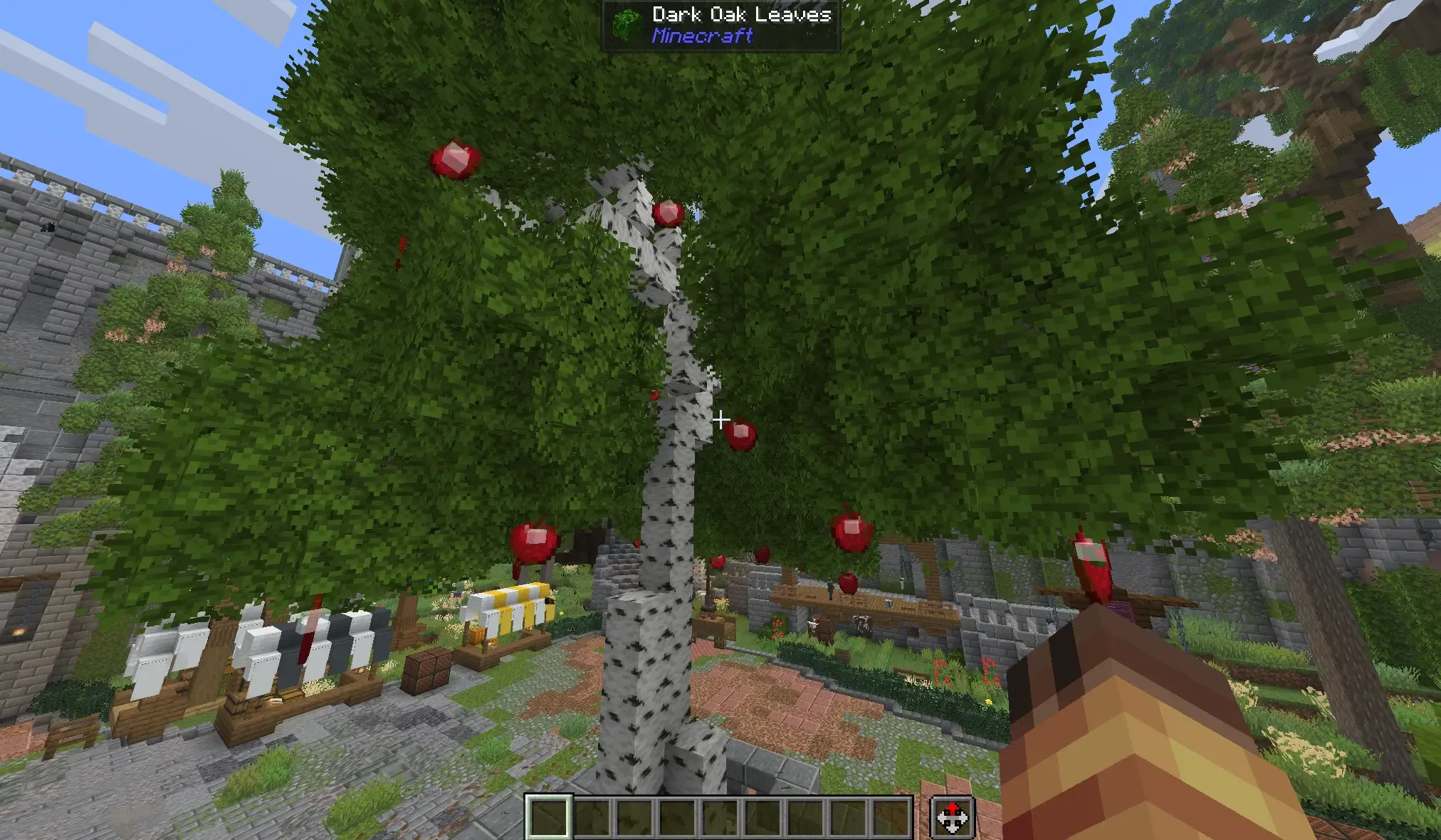
Meowbeard’s Schematics
Meowbeard’s Schematics is a Paper plugin for saving and pasting builds as Sponge .schem files. It preserves blocks as well as modern entities that WorldEdit or FAWE may not copy correctly.
Install either WorldEdit or FAWE, not both. The plugin keeps precise positions, display settings, items, armor stand poses, names, tags, and other saved entity data. Pasted entities receive new UUIDs, so a schematic can be pasted more than once.
Quick start
- Select your build with WorldEdit or FAWE.
- Stand where you want the schematic’s anchor point.
- Save it with
/mschem save <name>. - Load it with
/mschem load <name>. - Stand at the new location and use
/mschem paste.
Schematics are stored in plugins/MeowbeardsSchematics/schematics/.
Commands
/mschem save <name>saves your current selection./mschem load <name>loads a schematic into your clipboard. The.schemending is optional./mschem rotate 90rotates the loaded clipboard clockwise. You can also use180,270, or negative multiples of90./mschem mirror xmirrors the clipboard. You can usex,z, orxz./mschem resetclears clipboard rotation and mirroring./mschem pastepastes blocks, entities, and air./mschem paste -apastes without air, so existing blocks are not cleared by empty areas./mschem undoundoes your latest plugin paste and removes its pasted entities.
Rotation and mirroring stay on your clipboard until you reset them or load another schematic.
Example
/mschem load apple_tree
/mschem rotate 90
/mschem mirror x
/mschem paste -a
Interaction entities
Interaction hitboxes keep their size, response setting, position, rotation, names, and tags. Duplicate names and tags are supported.
The plugin only saves and restores interaction entities. It does not decide what happens when they are clicked. You can add behavior with datapacks, plugins, command blocks, or any other system you prefer.
Old player interaction and attack history is removed when saving and pasting.
Permissions
meowbeardsschematics.usemeowbeardsschematics.savemeowbeardsschematics.loadmeowbeardsschematics.pastemeowbeardsschematics.undo
All permissions are limited to server operators by default.
Current limits
- Rotation is limited to 90 degree steps.
- Mirroring is limited to the X and Z axes.
- Passengers and entity reference links are not currently remapped.
- Undo keeps one paste per player and is cleared when the server restarts.
- Schematics from newer Minecraft versions may not load correctly on older versions.
Download
Download the snapshot JAR and place it in your Paper server’s plugins folder.